Most Walmart sellers don’t know their real cost per order — and Black Friday makes it worse
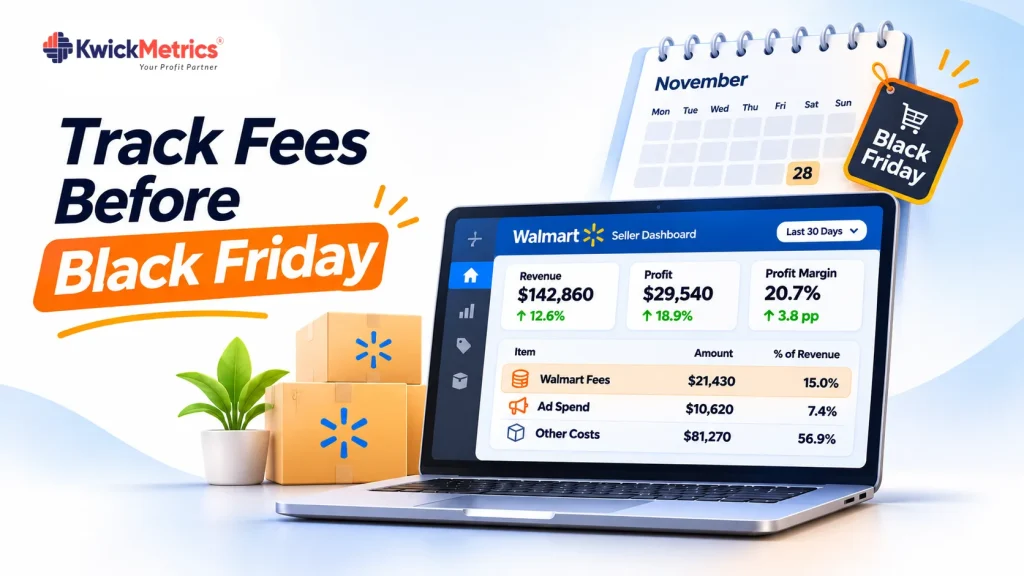
Table of Contents
- What you need before you start
- Step 1: Map your referral fees by category
- Step 2: Calculate your WFS fulfillment cost per order
- Step 3: Account for peak-season storage fees
- Step 4: Set a daily ad spend cap tied to your target ROAS
- Step 5: Review everything weekly in one place
- Common mistakes sellers make before Black Friday
- Where to start
- Get Your Questions Answered (FAQ)
You can sell 500 units on Black Friday and still lose money. A seller runs a Walmart Connect campaign, gets a spike in orders, celebrates — then opens the settlement report 2 weeks later to find that referral fees, WFS charges, storage costs, and ad spend ate the entire margin.
If you plan to increase spend or inventory for Black Friday, you need a system to track profit, fees, and ad spend before the traffic arrives. Here are 5 steps to build that system.
Pull your referral fee rates by category, calculate your WFS fulfillment cost per order, account for peak-season storage charges, set a daily ad spend cap tied to your target ROAS, and review everything weekly in a single dashboard. Start at least 6 weeks before Black Friday.
What you need before you start
Gather 3 things from Walmart Seller Center: your settlement reports for the last 90 days (these show every fee at the order level), your product dimensions and weights (WFS fees depend on shipping weight), and your Walmart Connect campaign data — total spend, attributed sales, and cost per click for the last 30 days.
If you use WFS, also pull your inventory age report. Walmart charges $0.75 per cubic foot per month for standard storage, but during October through December, items stored over 30 days cost an additional $1.50 per cubic foot (Walmart Marketplace pricing).
Step 1: Map your referral fees by category
Walmart charges a referral fee on every sale. Rates vary by category — apparel is 5% at $15 or less and 15% above $20, consumer electronics is 8%, home and kitchen is 15% flat (Walmart Marketplace pricing). List every category you sell in and write down the exact rate. Do not assume a flat 15% — one category at 8% changes your margin by 7 points.
| Category | Referral fee rate |
|---|---|
| Consumer Electronics | 8% |
| Home, Kitchen & Garden | 15% |
| Toys & Games | 15% |
| Baby Products (over $10) | 15% |
| Baby Products ($10 or less) | 8% |
| Apparel (over $20) | 15% |
| Personal Computers | 6% |
| Books | 15% |
A $29.99 kitchen gadget at 15% referral = $4.50. Add a $5.45 WFS fee and $6.00 COGS — that leaves $14.04 before ad spend. You need this number for every SKU before deciding your Black Friday ad budget.
Step 2: Calculate your WFS fulfillment cost per order
WFS fees start at $3.45 for items at 1 lb or under: $4.95 at 2 lb, $5.45 at 3 lb, then $5.75 plus $0.40 per pound over 4 lb. Shipping weight is the greater of actual weight and dimensional weight (L × W × H ÷ 139), plus 0.25 lb for packaging, rounded up.
Watch for surcharges: apparel adds $0.50, hazardous materials add $0.50, and items under $10 retail add $1.00. Calculate this for your top 20 SKUs — those drive your Black Friday volume.
Step 3: Account for peak-season storage fees
From October through December, WFS inventory stored over 30 days costs $1.50 per cubic foot on top of the $0.75 base rate. A product taking 2 cubic feet that sits 45 days in November costs $4.50 in storage alone. Across 500 units, that is $2,250 in charges that did not exist in August.
Send inventory as late as you safely can — close enough to sell through within 30 days, but early enough to be received. If a slow-moving SKU will sit past 30 days in Q4, the peak-season storage fee eats into whatever margin Black Friday generates.
Step 4: Set a daily ad spend cap tied to your target ROAS
During Black Friday week, CPCs rise. Pull your last 30 days of Walmart Connect data and calculate your current ROAS (attributed sales ÷ ad spend). Now stress-test it: at 3x ROAS with a 15% referral fee, 8% WFS cost, and 25% COGS, every ad dollar returns only about $0.54 in gross profit. At 2x ROAS, you lose money.
Set a daily cap you can sustain at your break-even ROAS. Do not raise it mid-week because volume looks good — volume without margin is just cost.
Review your advertising analytics daily. If ROAS drops below your floor, pause or reduce bids immediately.
Step 5: Review everything weekly in one place
Track these 5 metrics every week, starting 6 weeks before Black Friday:
| Metric | Where to find it | What to watch for |
|---|---|---|
| Net profit per order | P&L dashboard or settlement report | Margin below your target floor |
| Referral fees by category | Settlement report line items | Rate changes or misclassifications |
| WFS fulfillment cost | WFS fee breakdown | Weight-based fee surprises on new SKUs |
| Storage fees | Inventory age report | Units approaching 30+ days in Q4 |
| Ad spend vs. ROAS | Walmart Connect campaign report | ROAS dropping below break-even |
KwickMetrics pulls all of these into a single Walmart profit and loss dashboard — net profit after every fee, by product, by day. One screen instead of reconciling settlement reports manually.

Common mistakes sellers make before Black Friday
First, sellers increase ad spend without recalculating break-even. A ROAS target set in September does not account for higher Q4 CPCs and peak storage fees. By Black Friday, actual ROAS is often 30–40% worse than planned.
Second, sellers send too much inventory to WFS too early. Stock arriving in early October that does not sell by November 1 triggers the peak surcharge. Send in waves timed to sell within 30 days and track inventory aging weekly.
Third, sellers skip the category-level fee check. Walmart can reclassify a product during catalog updates. If your 8% electronics item moves to 15%, your margin drops 7 points — and you will not know unless you check settlement reports at the SKU level.
Where to start
Download 90 days of settlement reports today. List your top 20 SKUs with their referral fee rate, WFS fee, and COGS. Calculate your current ROAS. Then run the weekly review in Step 5 every week until Black Friday. Six weeks of check-ins is the difference between knowing your margin and hoping for one.
If you sell on Walmart and want to see your real profit after every fee:
See what your real profit looks like after every fee.
Get Your Questions Answered (FAQ)
A referral fee on every sale (5–20% by category), a WFS fulfillment fee based on shipping weight (starting at $3.45), and monthly storage fees. No subscription or setup costs.
Download settlement reports from Seller Center — they show every fee at the order level. Subtract COGS and ad spend to get true profit per order. For a real-time view, use an analytics tool that calculates net profit automatically after every fee.
WFS fees start at $3.45 for items 1 lb or under and increase by weight — $4.95 at 2 lb, $5.45 at 3 lb, then $5.75 plus $0.40 per pound over 4 lb. Surcharges apply for apparel ($0.50), hazardous materials ($0.50), and items under $10 retail ($1.00).
Add your referral fee percentage, WFS cost as a percentage of the sale price, and COGS percentage — then divide 1 by whatever margin is left. If those costs total 48% of your sale price, your break-even ROAS is about 1.9x.
Both charge a percentage per sale that varies by category, but the rates differ. Walmart’s personal computers rate is 6% versus Amazon’s 8%. The gap shows up in specific categories — check both fee schedules side by side for every category you sell in.


Nilanth is a contributor at KwickMetrics and a Full Stack Developer with 7+ years of experience building scalable web applications using Laravel, ReactJS, NextJS, and Headless WordPress. He plays a key role in enhancing KwickMetrics by developing efficient, high-performance solutions that help sellers and agencies gain better insights, streamline operations, and drive growth.